

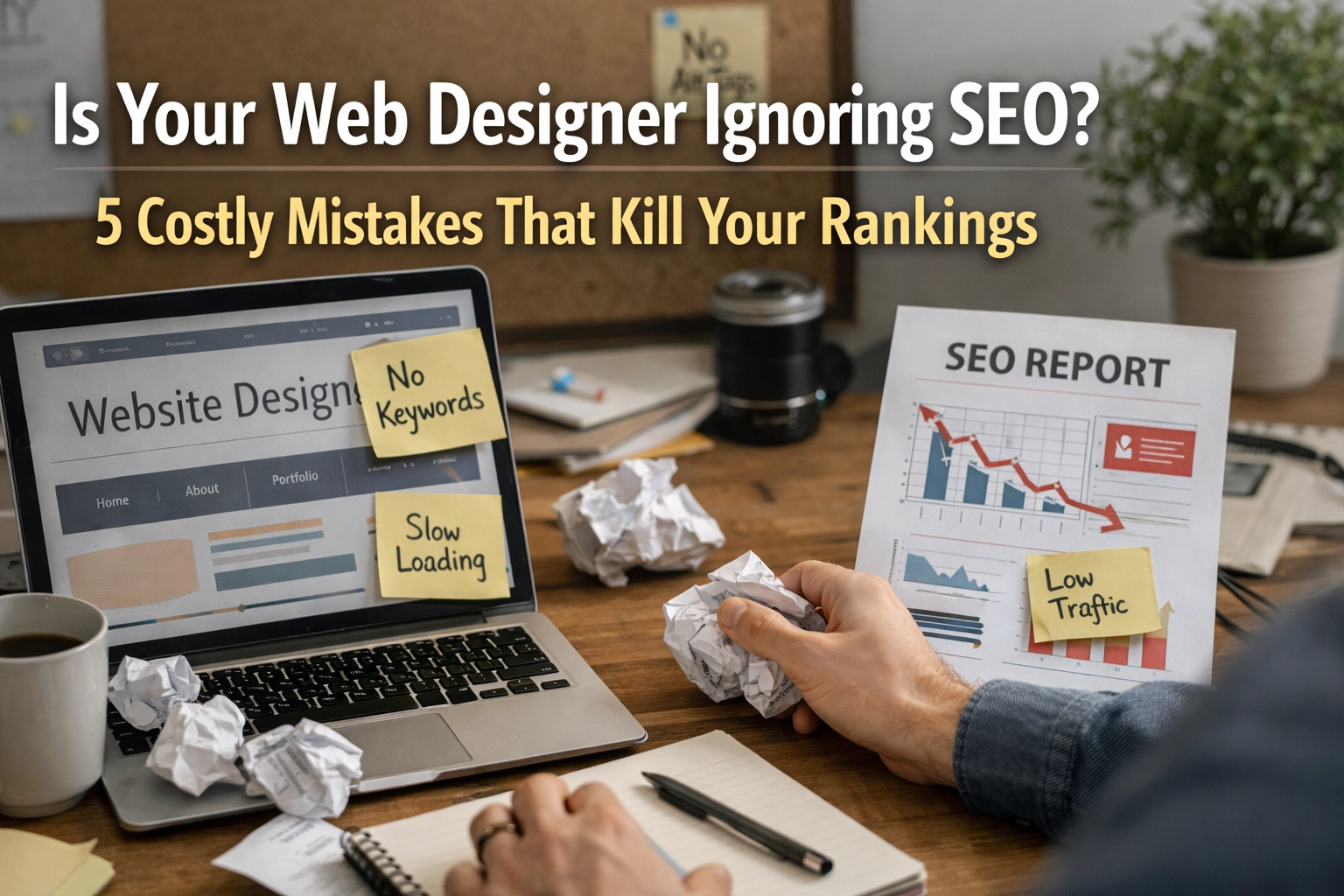
Your new website looks stunning. The colours are spot-on, the layout is modern, and your designer has delivered exactly what you asked for. But here's the problem: three months later, you're still invisible on Google. Your competitors are ranking ahead of you, and those leads you expected? They're not coming.
This scenario plays out across the UK every single day. Web designers create beautiful websites that completely fail at search engine optimisation. The issue isn't always intentional: many designers simply don't prioritise SEO because it's not their speciality. But for your business, this oversight can cost you thousands in lost revenue.
Let's look at the five most damaging mistakes web designers make that kill your rankings, and what you can do about them.
1. Ignoring Mobile-First Indexing and Responsiveness
Google switched to mobile-first indexing years ago, which means the search engine predominantly uses the mobile version of your site for ranking and indexing. If your web designer has created a site that doesn't perform brilliantly on mobile devices, you're starting with a significant handicap.

The statistics are stark: 53% of mobile users abandon sites that take longer than three seconds to load. That's over half your potential customers gone before they've even seen what you offer. Yet many designers still prioritise desktop aesthetics over mobile functionality.
A truly mobile-responsive site isn't just about shrinking content to fit smaller screens. It requires thoughtful consideration of touch navigation, thumb-friendly button sizes, readable text without zooming, and fast-loading images optimised for mobile data connections.
When your designer doesn't understand mobile-first indexing, you end up with a site that looks acceptable on a phone but performs poorly in search results. Google's crawlers notice when elements are hidden, when content differs between mobile and desktop, or when interactive elements don't work properly on touchscreens.
2. Poor Site Structure and URL Architecture
Your website's structure is its foundation. Get this wrong, and everything else becomes harder: for both users and search engines.
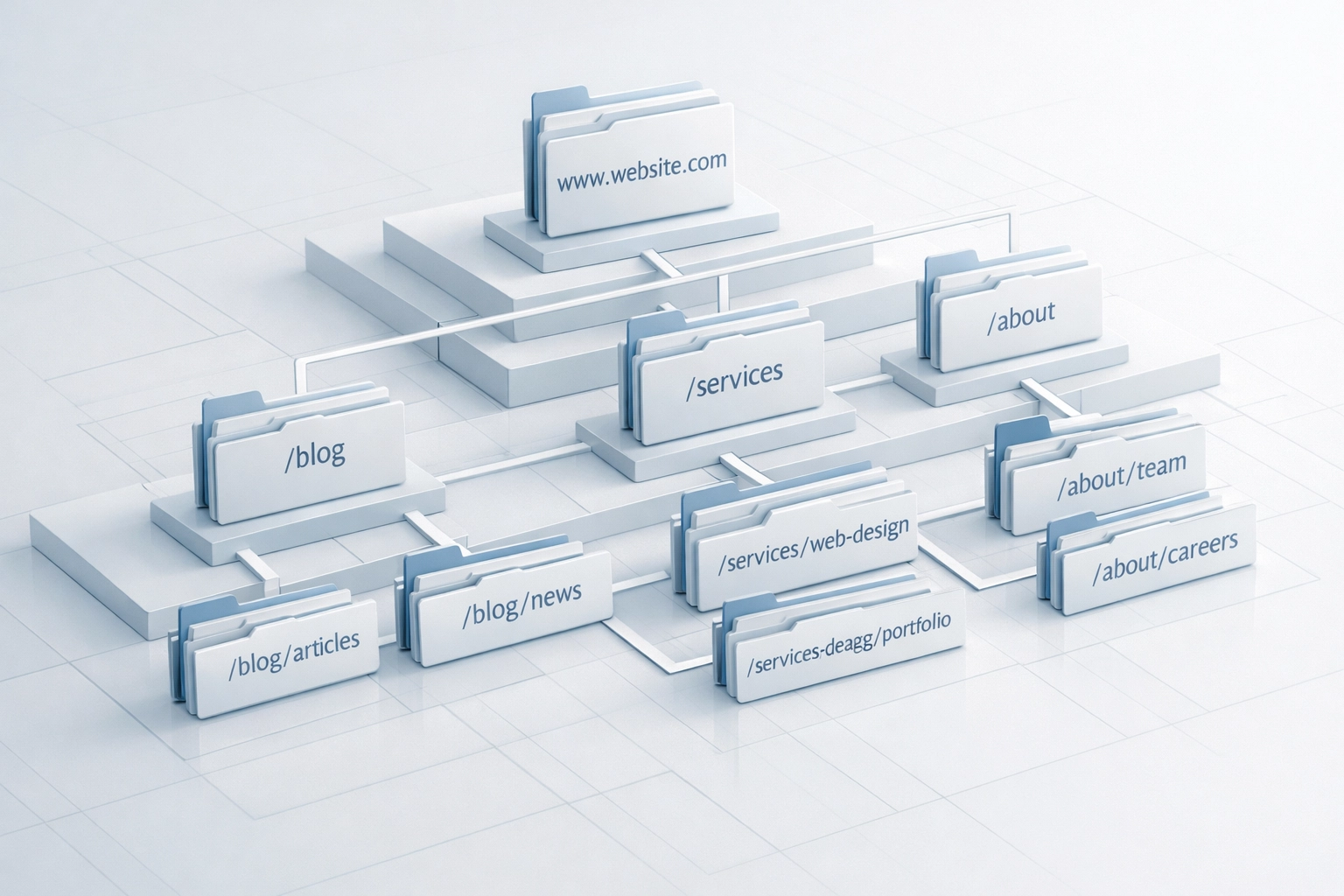
Many designers create URLs that are a mess of parameters, session IDs, or meaningless strings of numbers. Instead of a clean URL like yoursite.co.uk/services/web-design, you get something like yoursite.co.uk/page?id=847&session=xyz123. These URLs tell users and search engines absolutely nothing about the page content.
Clean, descriptive URLs help Google categorise your pages correctly and help users understand what they'll find before they click. They're also easier to share and remember. Consistency matters too: using hyphens instead of underscores, sticking to lowercase letters, and maintaining a logical hierarchy all contribute to a stable site structure that search engines can easily navigate.
Poor site structure also creates orphaned pages: content that exists on your site but has no internal links pointing to it. Search engine crawlers discover pages by following links, so if a page has no path leading to it, it may never be indexed. Your brilliant content becomes invisible, not because it's poorly written, but because it's architecturally isolated.
3. Slow Loading Speeds That Drive Visitors Away
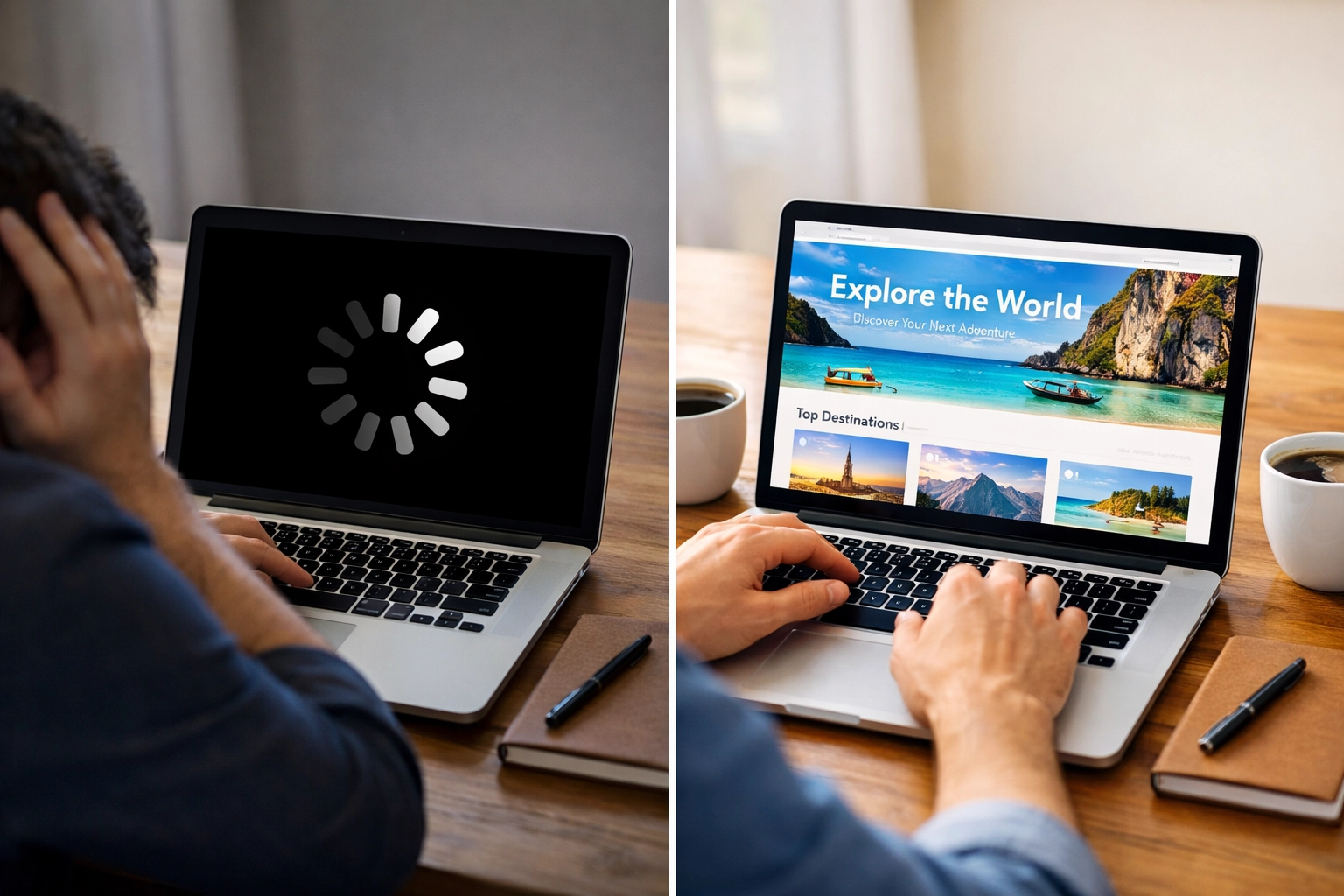
Page speed is a direct ranking factor, yet it's often sacrificed for design aesthetics. Your designer might have added beautiful high-resolution images, complex animations, multiple fonts, or heavy JavaScript frameworks that create a stunning visual experience but cripple your loading times.
Google's algorithms favour fast sites because users favour fast sites. When your pages take five, six, or seven seconds to load, you're not just losing rankings: you're losing actual customers who've given up waiting.
The technical elements that impact speed are often invisible to designers focused purely on appearance:
- Uncompressed images that could be a fraction of their current file size
- Unminified CSS and JavaScript files
- Lack of browser caching
- Too many HTTP requests
- No content delivery network (CDN) implementation
- Render-blocking resources that prevent the page from displaying quickly
These technical optimisations require SEO knowledge that many web designers simply don't possess. A designer might deliver a visually perfect site that scores poorly on Google's Core Web Vitals: the metrics Google uses to measure user experience based on loading performance, interactivity, and visual stability.
4. Forgetting Basic On-Page SEO Elements
This is perhaps the most common and most easily fixable mistake. Your web designer creates pages without properly implementing fundamental SEO elements that tell search engines what each page is about.
Meta titles and descriptions are prime examples. These snippets appear in search results and significantly influence click-through rates, yet many designers leave them as default WordPress templates or, worse, completely blank. Your home page might have a meta title reading "Home" instead of "Digital Marketing Services in Chester | Your Company Name."
Header tags (H1, H2, H3) are another overlooked element. These tags create a content hierarchy that helps search engines understand your page structure and identify the most important information. When designers use headers purely for styling: making text bigger or bolder without the proper HTML tags: they miss an opportunity to signal relevance to search engines.
Image alt text is frequently ignored completely. Beyond being essential for accessibility (screen readers rely on alt text to describe images to visually impaired users), alt text provides context to search engines that can't "see" images. Every image on your site should have descriptive alt text that includes relevant keywords where natural.
Then there's the content itself. Many designers focus on minimal text to maintain clean aesthetics, but thin content: typically under 300 words: rarely ranks well. Google's algorithms have become sophisticated at identifying pages created merely to rank for keywords without providing genuine value. Every page should have a unique purpose and deliver substantial, useful information. For most topics, that means 500-800 words of unique content at minimum.
5. Broken Links and Poor Internal Linking Strategy
Internal linking is one of the most underutilised SEO strategies, yet many websites suffer from broken links, illogical linking patterns, or missed opportunities to boost important pages.
Broken links frustrate users and signal to Google that your site is poorly maintained. If you have hundreds of broken links scattered across your site, search engines question whether your content is current and reliable. Every broken link is a dead end for both users and crawlers.
But beyond avoiding broken links, strategic internal linking actively improves rankings. When you link from high-authority pages to ones you want to rank better: using descriptive anchor text that tells users and search engines what they'll find: you distribute ranking power throughout your site.
Many designers don't think about internal linking as an SEO tool. They might add a navigation menu and call it done, missing opportunities to create contextual links within content that guide users on logical journeys through your site whilst simultaneously telling search engines which pages are most important.
The Solution: Integrated Design and SEO from Day One
These five mistakes share a common cause: treating web design and SEO as separate disciplines instead of integrated parts of the same process.
When you work with an agency that handles both web design and SEO together, your site is built for both conversions and search visibility from the very first wireframe. Technical SEO considerations influence design decisions. Content strategy informs site structure. Page speed optimisation happens during development, not as an afterthought.
At Digital WebWorx, we've seen too many UK SMEs invest thousands in beautiful websites that generate no business because they weren't built with search in mind. Our approach ensures your site looks professional whilst also performing brilliantly in search results: because what's the point of a stunning website if your customers can't find it?
If you're planning a new website or wondering why your current site isn't ranking, it's worth asking whether your web designer truly understands SEO: or whether you need a partner who can deliver both.